

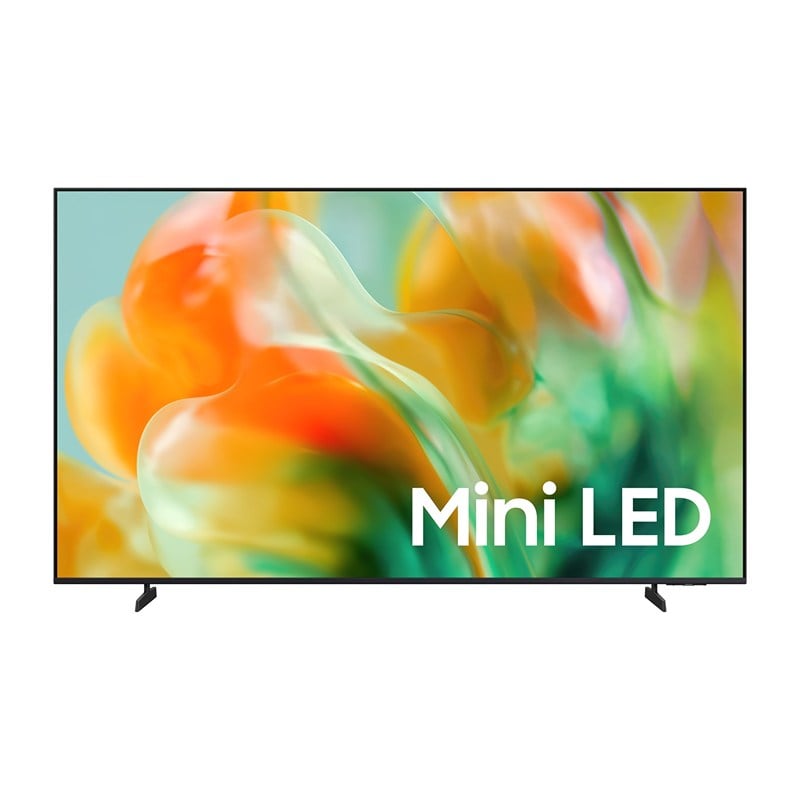
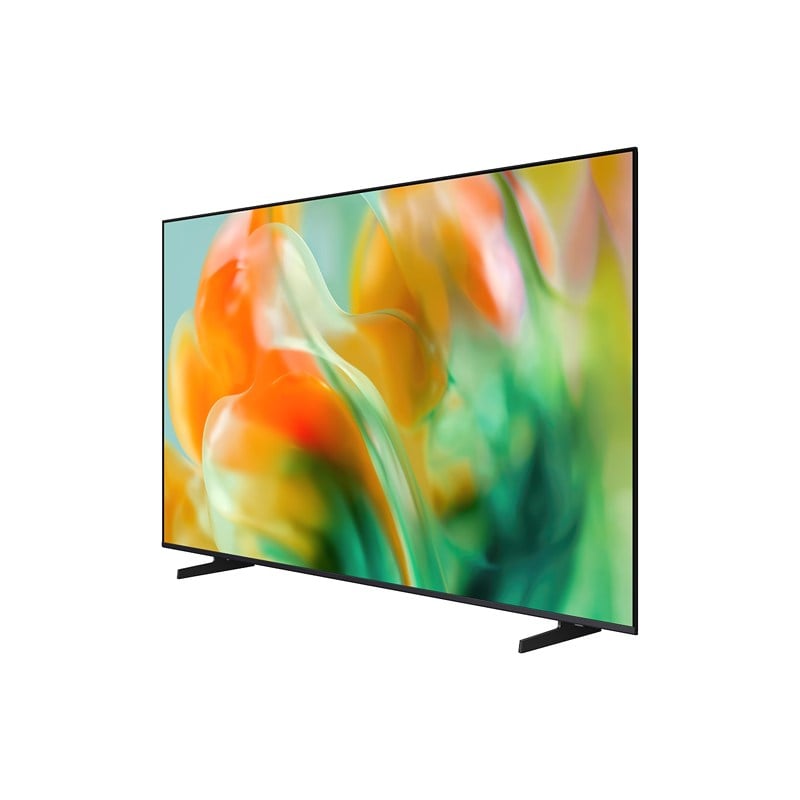
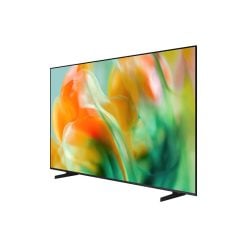
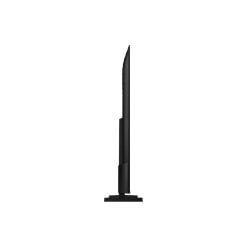
Samsung UA65M80HAUXTW 65″ Mini LED M80H 4K Samsung Vision AI Smart TV (2026)
Original price was: USD999.00.USD869.00Current price is: USD869.00.
The Samsung UA65M80HAUXTW 65-inch M80H Mini LED 4K Vision AI Smart TV combines advanced Mini LED technology with Supreme Mini LED Dimming and the NQ4 AI Gen2 Processor for impressive contrast, color and 4K picture quality.
In stock
Samsung UA65M80HAUXTW 65-inch M80H Mini LED 4K 144Hz Vision AI Smart TV:
Features
The answer to your thrilling moments


The words Samsung Vision AI is accompanied by the Samsung AI logo. Nearby, a TV turns on to display abstract visuals.
Key features at a glance


Ask your companion anything. Samsung Vision AI is here.
Samsung Vision AI Companion
Getting assistance from AI is now more engaging with Vision AI Companion on your TV. Whether you ask about your content or everyday topics, it instantly delivers video and image responses through multiple AI agents — offering a rich, personalized experience on the big screen.1


Your command, your match — AI-enhanced football viewing
AI Football Mode
With AI Football Mode, you can watch football with picture and sound settings designed specifically for the sport. AI-driven optimization delivers richer colors, dynamic contrast and crystal-clear commentary — so you can follow the game’s passes and cheers with professional-level clarity.2


Man watches football on Samsung TV at night. Soundwaves emanate from TV’s side and front. He speaks into remote control ‘Bixby, AI Football Mode ON’. AI Football Mode turns on, soundwaves show balanced crowd and commentator sound, and the field looks more crisp and vibrant than when it’s off.
More about
Samsung Vision AI


Separate and control audio layers — voice and sound effects — with a single command
AI Sound Controller
AI Sound Controller uses AI to analyze real-time audio and separate it into two tracks — voice and sound effects. Using the on-screen menu or voice commands, you can then adjust the volume of each track to create a personalized listening experience for TV shows, movies and games.3


Feel the full power of AI in 4K
NQ4 AI Gen2 Processor
The NQ4 AI Gen2 Processor uses the power of 20 AI neural networks to optimize picture and sound quality. The result is impressive performance, whether you’re streaming shows, playing video games or watching live sports.5


Samsung NQ4 AI Gen2 Processor chip descends on the TV’s main board and lights up with waves of power surging from the chip to the rest of the TV.


Picture Quality


Our advanced Mini LED Technology
Mini LED
Experience deeper contrast that brings scenes to life. Mini LED technology uses smaller backlights than regular LEDs to control light with greater accuracy, revealing finer details and realistic depth for a clear, immersive picture.


A Samsung TV screen is positioned between a LED backlighting and a Mini LED backlighting diode. When the LED backlighting diode lights up, the screen shows a dim close-up of water molecules with limited contrast. As the Mini LED backlighting diode lights up, the image becomes noticeably brighter, with deeper contrast and sharply defined details revealed across the screen. Scene then zooms into the shining Mini LED backlighting diode.


True-to-life, ultra-wide color delivered with Mini LED precision
Pure Spectrum Color
Enjoy clearer, more natural colors on Samsung Mini LED TVs. Pure Spectrum Color delivers pixel-level color accuracy with an expanded color gamut. Each hue appears rich and precise across the screen, maintaining depth and balance without oversaturation.


Sharper highlights and deeper blacks in cinematic scale
Mini LED HDR
Enjoy richer depth and clearer detail across each scene. With Mini LED HDR, contrast is enhanced to bring out deeper shadows, brighter highlights and refined detail.6
More about
Picture Quality


Intelligently enhanced color expression with AI
Color Booster Pro
Color Booster Pro uses AI to recognize each scene and enhance color expression accordingly. The result is imagery that appears more vivid and dynamic, creating a viewing experience that feels remarkably realistic.


Gaming Experience


Get smooth motion for games up to 4K 144Hz, 2K 240Hz with VRR
Motion Xcelerator 144Hz
Enjoy seamless visuals at incredibly fast speeds with Motion Xcelerator 144Hz. Samsung’s unique dynamic refresh technology provides smooth motion performance for VRR games up to 4K 144 Hz or 2K 240Hz.9


More about
Gaming Experience


Two people gaming on a Samsung TV. They switch between various games, including a football game, a racing game and a first-person shooter game. With AI Gaming Optimizer on, the TV automatically detects the type of game being played.
Play smarter — perfect settings, every match
AI Gaming Optimizer
Dive straight into the action with AI Gaming Optimizer. Using real‑time screen analysis, it instantly recognizes your game’s genre and applies the optimal settings automatically — no menus, no hassle, just seamless, genre‑optimized performance.10


Sound


Enjoy sound intelligently optimized to your content and space
Adaptive Sound+
Adaptive Sound+ uses scene analysis to optimize audio in real time. It also recognizes your room and setup and fine-tunes sound to suit the space, giving you clearer voices, balanced tones and a more tailored listening experience.13


One UI Tizen


Personalize your screen experience
One UI Tizen
One UI Tizen delivers a seamless and consistent Samsung device experience. Samsung Tizen OS lets you take advantage of the latest innovative Samsung features — including quick access to the content you love, convenient AI management and powerful protection with Samsung Knox Security. Plus, One UI Tizen will support Tizen OS upgrades for next seven years, bringing you the latest apps & services.15


Enjoy 7 years of new TV experiences16


More about
One UI Tizen


Find world-famous galleries in your TV
Art Store
Art Store gives you access to over 5,000 works from the world’s leading museums and artists. Samsung’s art experts curate selections throughout the year, helping you discover pieces that suit each season or moment.17


SmartThings


Do the SmartThings!
SmartThings
Optimize your home devices for a smarter lifestyle. Enjoy a customized smart home experience with thousands of SmartThings-compatible devices that simplify your day-to-day life.20


A modern living room with a wall-mounted Samsung TV displaying the SmartThings dashboard, showing connected devices across different rooms. Icons around the space represent lights, air conditioning, blinds, appliances and a robot vacuum, all controlled from a single screen. The view zooms into the TV to reveal the SmartThings interface in detail. The stand-light icon is selected, and when its power button is activated, the floor lamp in the living room turns on. The interface then transitions to the blinds icon, and when its power button is activated, the living room curtains open. The view zooms back out to the full living room, now showing all connected devices active and working together. SmartThings logo, matter logo.
More about
SmartThings


Control your TV straight from your phone
Quick Remote
With Quick Remote in the SmartThings app, your phone works as a remote, letting you change channels, manage volume and more — straight from your mobile device. You can also access key Samsung Tizen TV features, explore media and adjust settings with ease.21


Design


Elegant metal stream design to upgrade your space
MetalStream Design
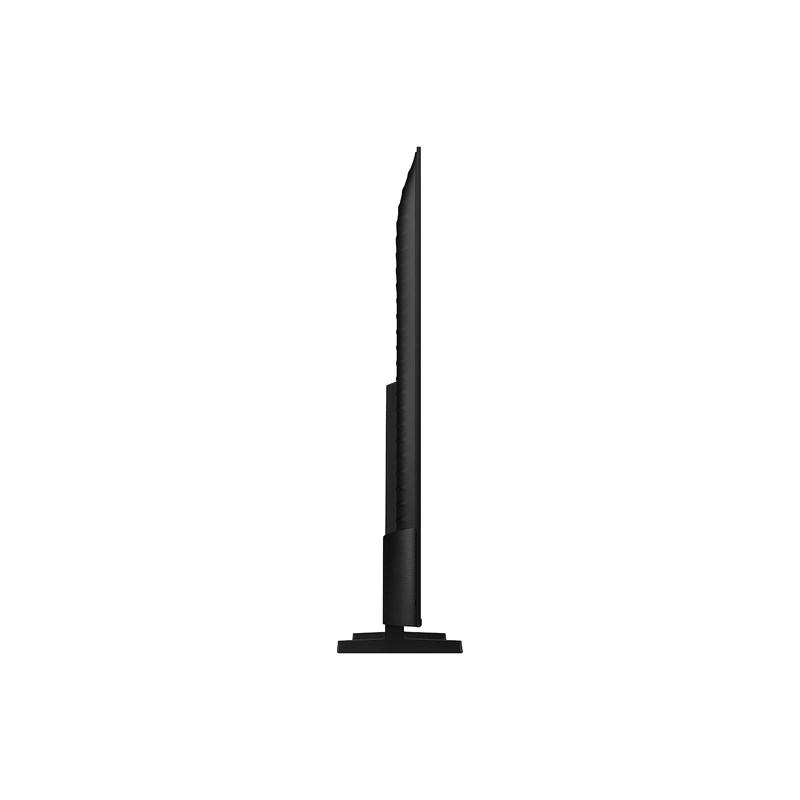
Inspired by aircraft design, the MetalStream Design features a luxurious metal body. With no additional bezel required, a single sheet of metal is used to create a slim bezel, enabling a truly immersive experience.26


Sustainability


| Brand |
|---|
Related products


Electronics


Home Audio & Video

Electronics


Electronics