

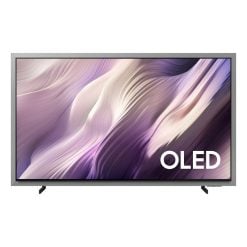
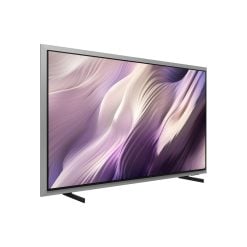
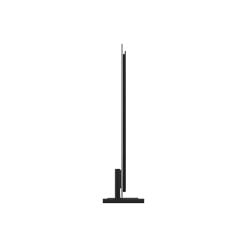
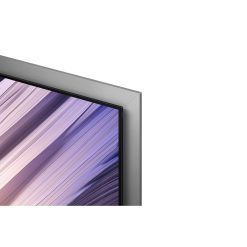
samsung Highlights:
Features
The answer to ultimate immersion


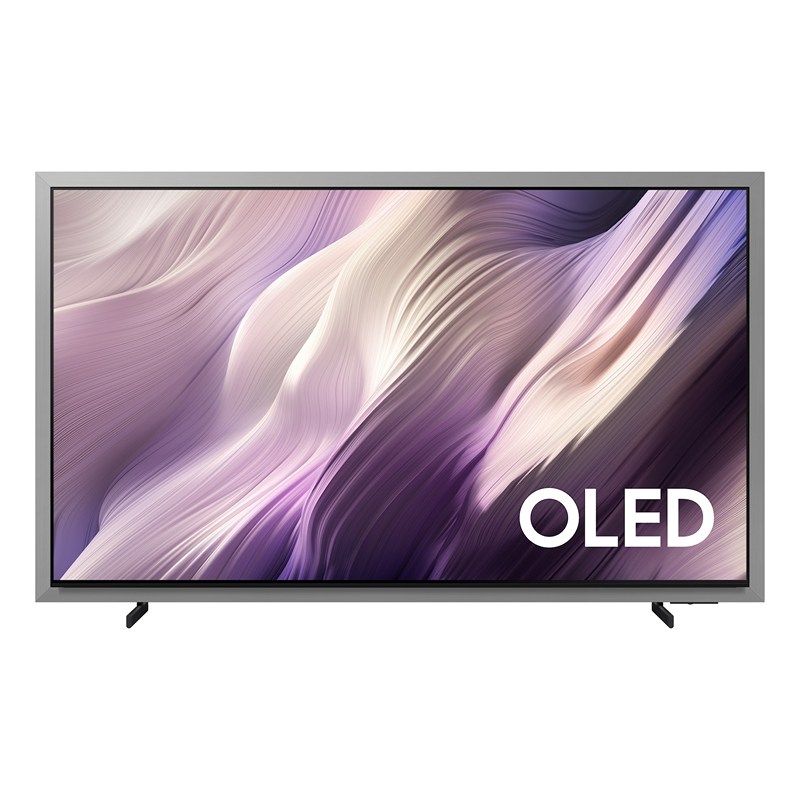
Samsung OLED TV plays a clip of soft, flowing abstract waves in shades of lavender, cream and pale pink. Samsung Vision AI logo.
Key features at a glance


Ask your companion anything. Samsung Vision AI is here.
Samsung Vision AI Companion
Getting assistance from AI is now more engaging with Vision AI Companion on your TV. Whether you ask about your content or everyday topics, it instantly delivers video and image responses through multiple AI agents — offering a rich, personalized experience on the big screen.1


More about
Samsung Vision AI


Feel the stadium roar — AI-powered immersion for football
AI Football Mode Pro
AI Football Mode Pro automatically detects live matches and elevates picture and sound to stadium‑level quality. The result is vibrant colors, sharp details and immersive audio that blends crowd energy with crystal‑clear commentary — making the action feel so real, it’s like you’re there.2


Our most advanced AI-powered 4K processor
NQ4 AI Gen3 Processor
Powered by 128 AI neural networks, the NQ4 AI Gen3 Processor enhances your picture and sound to superb heights. Enjoy the best 4K TV experience, whether you’re streaming shows, playing video games or watching live sports.5


Samsung NQ4 AI Gen3 Processor chip descends on the TV’s main board and lights up with waves of power surging from the chip to the rest of the TV.


Picture Quality


See real black and real color perfected by Glare Free
Glare Free with Real Black & Real Color
Enjoy deeper blacks and more true-to-life colors on Samsung OLED TVs. VDE-certified Real Black, Pantone-validated Real Color and Glare Free technology deliver authentic contrast and accurate hues that make scenes feel more vivid and immersive.6


The pinnacle of HDR performance in each pixel
OLED HDR Pro
Experience brilliant viewing, with pixels responding to create brighter brights and darker darks. Our AI processor analyzes each scene to dynamically tone map for contrast and boost for brightness. The result is an incredibly powerful screen that brings every little detail to life.7


A glowing tent sits on a snowy patch surrounded by trees under a dark, star filled night sky, with a mountain silhouette visible in the background. A square appears at the center of the screen. Inside the square, the image becomes brighter with richer color and deeper contrast and is labeled “OLED HDR Pro,” while the surrounding area remains dimmer and is labeled “SDR.” The square gradually expands to fill the entire screen, transforming the full image into OLED HDR Pro quality as the SDR label disappears and is replaced by “OLED HDR Pro”. HDR 10+ Advanced logo, HDR 10+ Adaptive/Gaming logo.
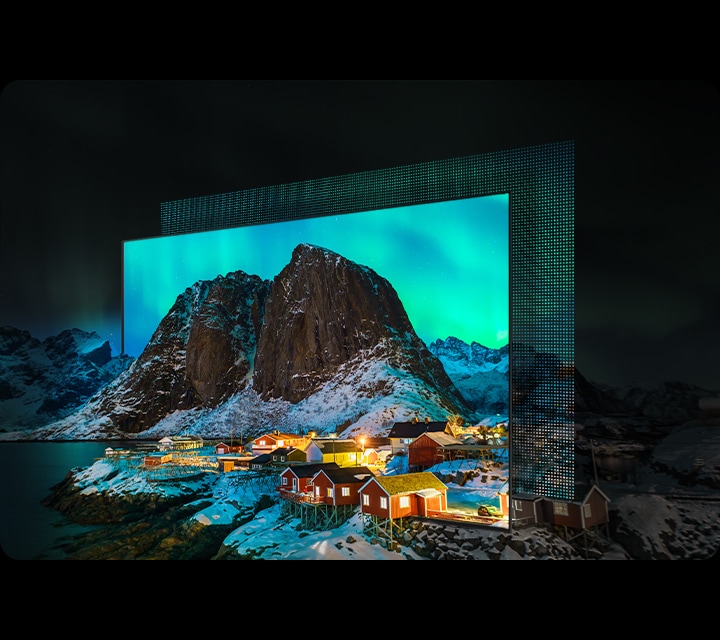
Deep blacks, clean whites and lively colors
OLED
Samsung’s unique OLED expresses deep blacks, clean whites and a full range of lively colors. With cutting-edge, self-illuminating pixels, what you see is a picture that’s pure, bright and always stands out.

More about
Picture Quality


Easily spot moving objects and text
AI Motion Enhancer Pro
Powered by the AI Gen3 Processor, AI Motion Enhancer Pro smooths out and sharpens motion, so you can see moving objects and text far more clearly. Live sports and fast-paced action now look ultra-smooth and crystal-clear.8


Gaming Experience


Unbeatable high performance for the gamer
Ultimate Gaming Pack
Stay fully locked into the action with Ultimate Gaming Pack. Featuring Motion Xcelerator 165Hz, NVIDIA G-SYNC and AMD FreeSync Premium Pro, your screen is all set for high-performance play with ultra-smooth, tear-free, low latency and real-time responsive performance.13


Get ultra-smooth motion for games up to 165Hz
Motion Xcelerator 165Hz
Enjoy consistently crisp visuals at blazing-fast speeds with Motion Xcelerator 165Hz. Samsung’s unique dynamic refresh technology provides exceptionally smooth motion performance for VRR games up to 4K 165Hz.14




Ultra-smooth, ultra-fast responsive gameplay
G-Sync Compatible
Validated by NVIDIA to provide a good variable refresh rate (VRR) experience for tear-free, stutter-free gaming. Technology that reduces screen tearing and stuttering which provides smoother gameplay and enhanced immersion.15


Tear-free, stutter-free, low latency HDR gaming
FreeSync Premium Pro
Built on AMD FreeSync™ core technology to reduce stutter and screen tearing, TVs certified for the AMD FreeSync™ Premium Pro tier provide a true HDR gaming experience: a combination of smooth gaming at peak performance, and exceptional high dynamic range visuals while still maintaining low latency for effortlessly smooth gameplay.16
More about
Gaming Experience


Play smarter — perfect settings, every match
AI Gaming Optimizer
‘Dive straight into the action with AI Gaming Optimizer. Using real‑time screen analysis, it instantly recognizes your game’s genre and applies the optimal settings automatically — no menus, no hassle, just seamless, genre‑optimized performance.17


Sound


Surround sound that pulls you into the scene
Dolby Atmos®
Feel the pulse-pounding action in every scene. Samsung’s top channel speakers work with Dolby Atmos technology to create a multi-dimensional dome of sound, enveloping you in a truly intense audio experience.


In a living room, a couple sits on a sofa and watches TV. The TV’s front speakers are lit up and soundwaves emanate from a TV’s side and up-firing speakers, travelling in multiple directions to surround the couple in a dome of sound and fill the room. Dolby Atmos logo.
More about
Sound


Dynamic, realistic sound that follows the action
Object Tracking Sound+
Put yourself in the middle of the action. With 4.2.2.ch speakers, your TV plays powerful audio across its screen. Object Tracking Sound+ enables the audio to move along with the objects on screen — enhancing your surround sound with realistic effect.


Design


Seamless fit and floating presence
FloatLayer Design
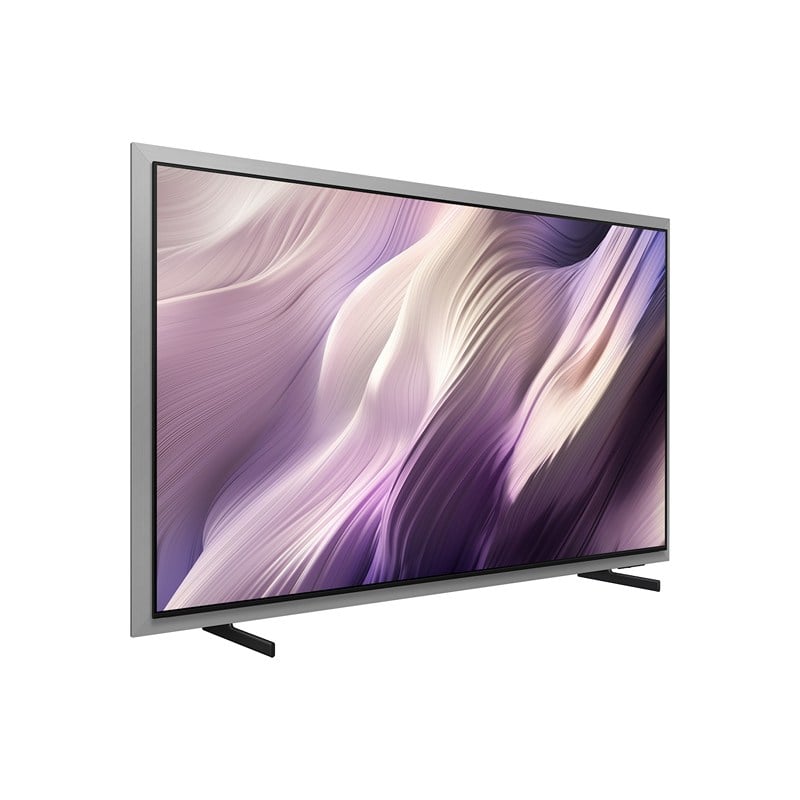
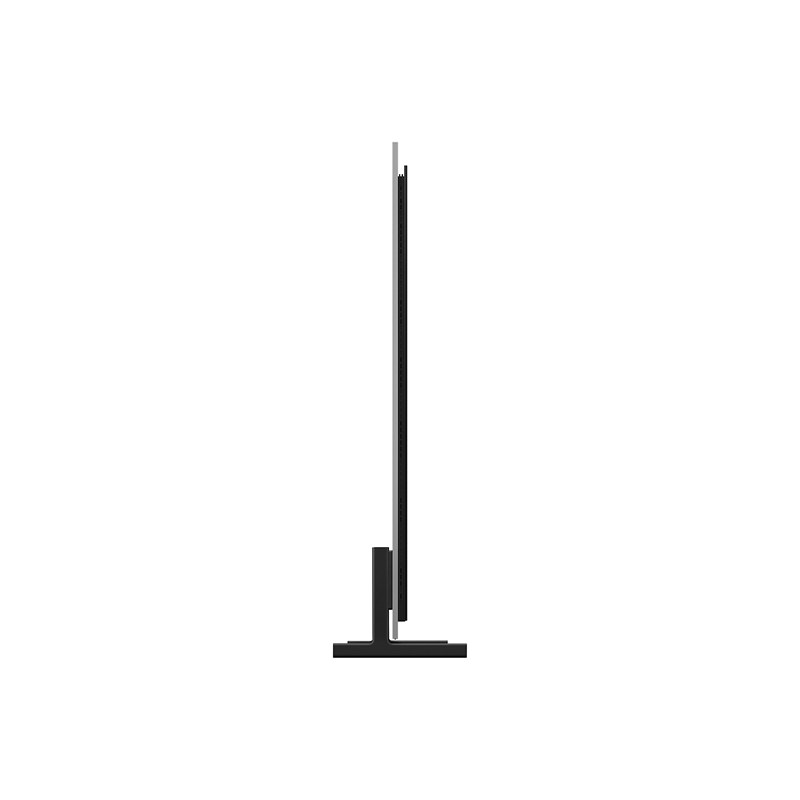
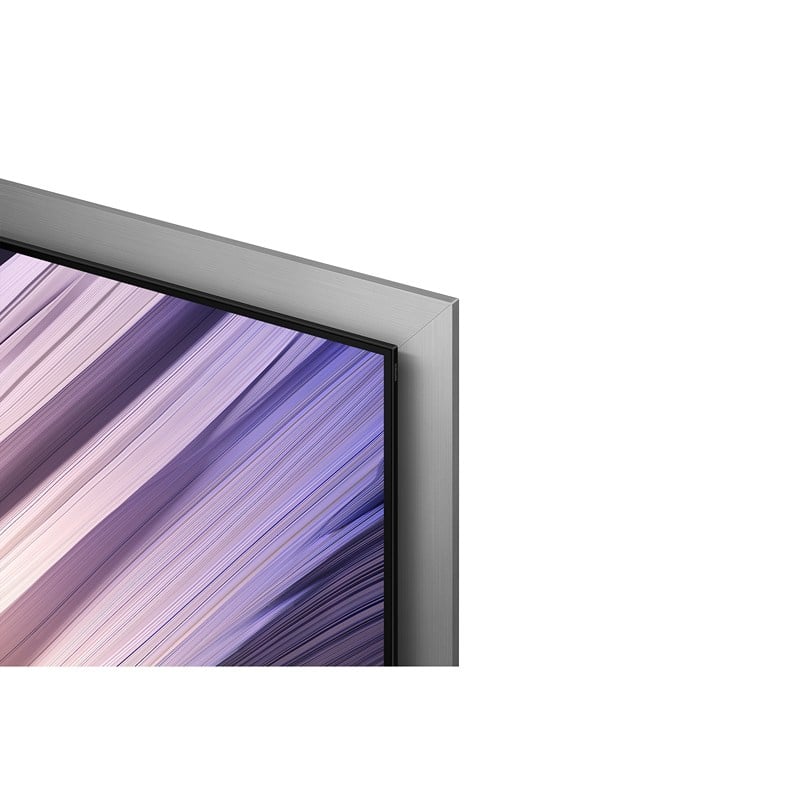
Samsung OLED TV’s refined bezel adds subtle depth, creating the look of a screen that gently floats on the wall. This elegant design elevates your space with a premium touch, while positioning the TV close to the wall for a clean, seamless fit.


A Samsung OLED TV appears to float before settling flush against the wall. Shown from a side view, the shot transitions to a front view, where the TV displays an impressionist-style coastal landscape.
One UI Tizen


Personalize your screen experience
One UI Tizen
One UI Tizen delivers a seamless and consistent Samsung device experience. Samsung Tizen OS lets you take advantage of the latest innovative Samsung features — including quick access to the content you love, convenient AI management and powerful protection with Samsung Knox Security. Plus, One UI Tizen will support Tizen OS upgrades for next seven years, bringing you the latest apps & services.21


Enjoy 7 years of new TV experiences22


Find world-famous galleries in your TV
Art Store
Art Store gives you access to over 5,000 works from the world’s leading museums and artists. Samsung’s art experts curate selections throughout the year, helping you discover pieces that suit each season or moment.23


More about
One UI Tizen


Access useful info throughout the day even when your TV is off
Now Brief
Stay informed even when the TV is off. Your daily info screen uses widgets to show what matters at a glance — including the weather, daily agenda, reminders and smart-home updates. Activated by voice or when you approach your TV, it delivers information right when you need it.24


SmartThings


Do the SmartThings!
SmartThings
Optimize your home devices for a smarter lifestyle. Enjoy a customized smart home experience with thousands of SmartThings-compatible devices that simplify your day-to-day life.26


A modern living room with a wall-mounted Samsung TV displaying the SmartThings dashboard, showing connected devices across different rooms. Icons around the space represent lights, air conditioning, blinds, appliances and a robot vacuum, all controlled from a single screen. The view zooms into the TV to reveal the SmartThings interface in detail. The stand-light icon is selected, and when its power button is activated, the floor lamp in the living room turns on. The interface then transitions to the blinds icon, and when its power button is activated, the living room curtains open. The view zooms back out to the full living room, now showing all connected devices active and working together. SmartThings logo, matter logo.
More about
SmartThings


Control your TV straight from your phone
Quick Remote
With Quick Remote in the SmartThings app, your phone works as a remote, letting you change channels, manage volume and more — straight from your mobile device. You can also access key Samsung Tizen TV features, explore media and adjust settings with ease.27


Sustainability


Charge it with light
SolarCell Remote
With a solar panel on its back, our SolarCell Remote is charged by light — no need for disposable batteries. And with smart features like a built-in microphone and voice assistant, this remote is innovative in more ways than one.
| Brand |
|---|
Related products

Electronics


Electronics


Electronics