
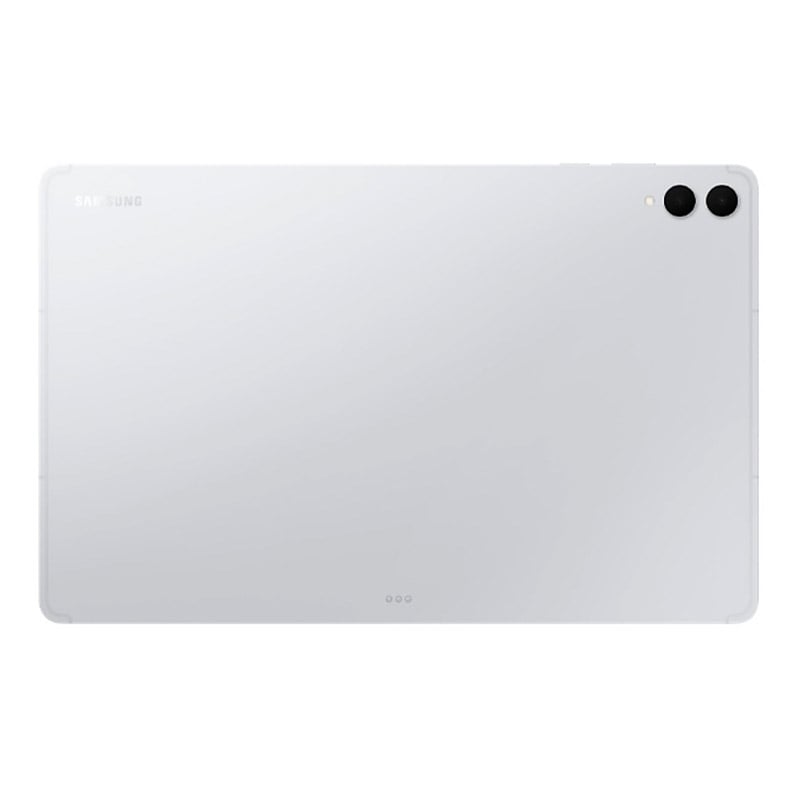
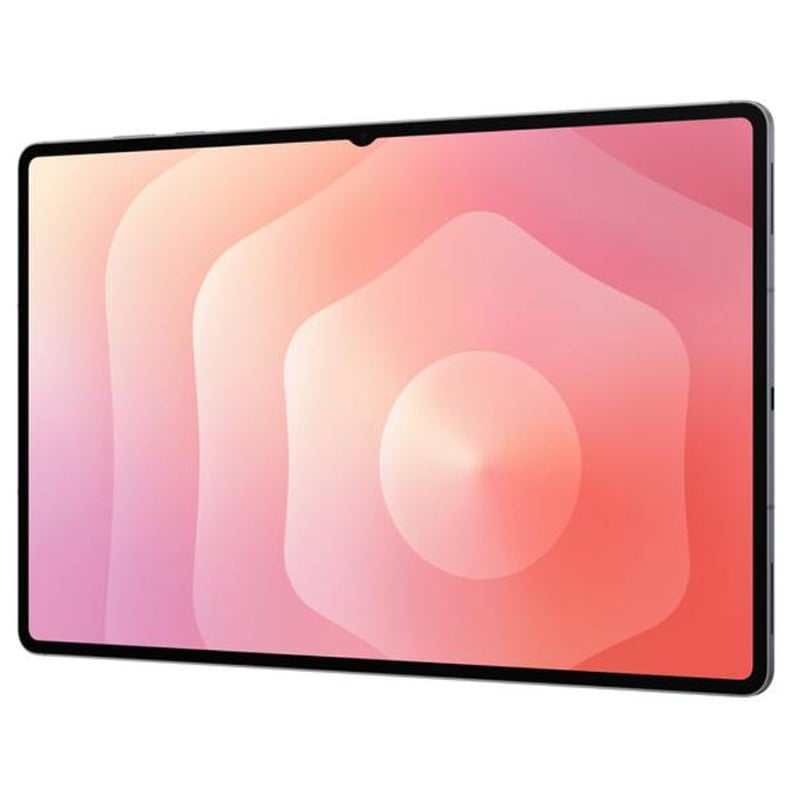
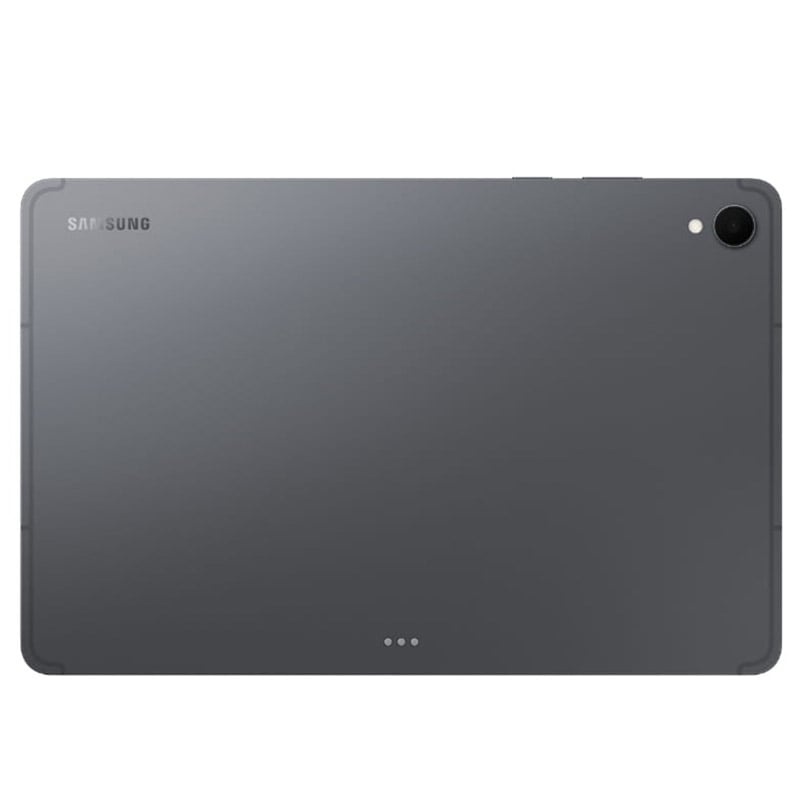




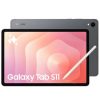

Overview
-
Form Factor: Tablet
-
Weight: 692 g
-
Dimensions: 208.5 x 326.3 x 5.1 mm
-
OS: Android
-
Processor: Octa-Core, 3.73GHz / 3.3GHz / 2.4GHz
Display
-
Size: 14.6″ (369.9mm) / 14.5″ (367.2mm rounded corners)
-
Resolution: 2960 x 1848 (WQXGA+)
-
Technology: Dynamic AMOLED 2X
-
Colour Depth: 16M
-
S Pen Support: Yes
Camera
-
Rear: 13 MP + 8 MP, Auto Focus, Flash
-
Front: 12 MP
-
Video Recording: UHD 4K@30fps
Memory & Storage
-
RAM: 12 GB -16 GB
-
Internal Storage: 1 TB – 512 – 256 GB (Available: 227.9 GB)
-
External Storage: MicroSD up to 2 TB
Connectivity
-
USB: 3.2 Gen 1, Type-C
-
Wi-Fi: 802.11a/b/g/n/ac/ax/be, 2.4/5/6 GHz, EHT320, MIMO, 4096-QAM
-
Bluetooth: v5.4 (A2DP, AVRCP, HFP, HSP, HID, etc.)
-
Location: GPS, Glonass, Beidou, Galileo, QZSS
-
NFC: No
Battery
-
Capacity: 11,600 mAh
-
Video Playback: Up to 23 hours (wireless)
-
Removable: No
-
Battery Endurance: ≥1200 cycles
Audio/Video Support
-
Video Playback: MP4, MKV, AVI, FLV, WEBM, UHD 8K@60fps
-
Audio Playback: MP3, AAC, FLAC, WAV, OGG, etc.
Sensors
-
Accelerometer, Fingerprint, Gyro, Geomagnetic, Hall, Light
Eco & Sustainability
-
Recycled Content: 11.6%
-
Recyclability: 8.9%

Our all-new Tablet starts here


Talk with Gemini about anything you see


Slimmer and lighter than ever
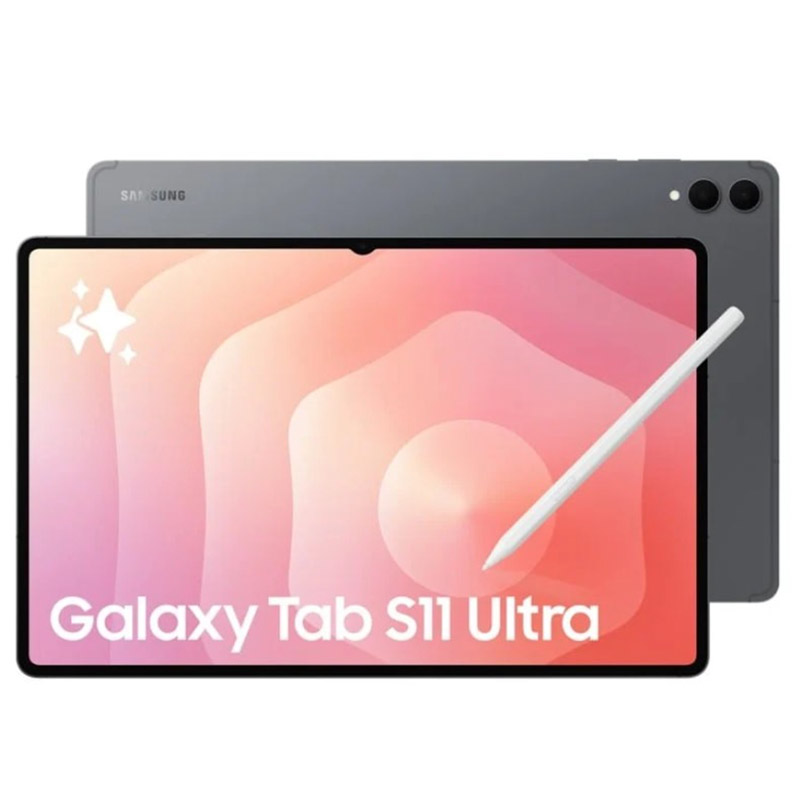
Packing powerful AI features in a super slim, lightweight design, Galaxy Tab S11 Ultra is a productivity powerhouse everywhere you go. Its massive display and charge-less, hexagon-shaped pen make Galaxy Tab S11 Ultra the ultimate creative companion when you need it. And its lightweight, slim, design make it effortlessly portable when you’re on the move.


A Galaxy Tab S11 Ultra device shown in silhouette in a dark setting, then angled to reveal its front display. A second Tab S11 Ultra appears behind it, showing the rear design to highlight the sleek profile.
Ultra sleek design. Equipped with a next-gen S Pen
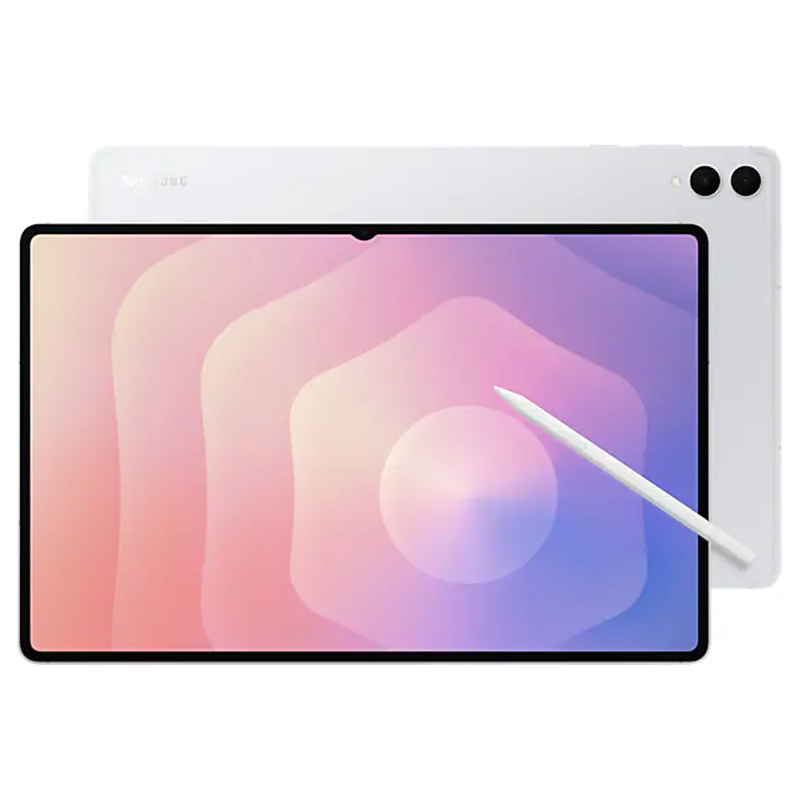
Every detail of Galaxy Tab S11 Ultra is streamlined to give you powerful performance into a beautifully sleek form. From improved camera design, to the removed wireless charging slot and enhanced slim bezel, every angle is thoughtfully engineered to seamlessly merge superior function with elegant design. Choose from Grey and Silver, two stylish colours that look as premium as they feel.

Grey

Silver


Talk to Google Gemini about anything you see
Use screen sharing on your Galaxy Tab S11 Ultra to get information in real time with Gemini Live. Just long press the side button to get started and share your screen with Google Gemini to ask for advice. It may even ask you questions, prompting a free-flowing conversation that can help you get the answers you’re looking for.


A Galaxy Tab S11 Ultra device shown in silhouette in a dark setting, then angled to reveal its front display. A second Tab S11 Ultra appears behind it, showing the rear design to highlight the sleek profile.
From idea to AI-sketch to notes, instantly
Just sketch it, and let AI take it from there. With Drawing Assist, your rough drawing is transformed into a polished AI-generated image in seconds. Once it’s ready, drop it into Notes to keep your ideas going. Quick, simple, and seamless.3


Galaxy Tab S11 Ultra screen is shown in split view. On the right, Drawing Assist is open with an S Pen sketching a scoop of vanilla ice cream on top of Yakgwa. The S Pen taps the Webtoon option and selects Generate, turning the sketch into a 3D cartoon. The AI-generated image is then dragged and dropped into Samsung Notes app open on the left.
Smarter writing, made simple
Writing Assist helps you refine and transform your text in seconds. Effortlessly draft, craft and revise any piece of writing to match your intended meaning and turn thoughts into polished, ready-to-use content. Adjust the style and tone with a few taps, to convey your message just the way you want it. Then easily drag and drop the enhanced version into one of many supported apps in your workspace.4


Galaxy Tab S11 Ultra is shown in split view with a webpage open on the right. A section of text on the webpage is highlighted with a pop-up menu open. An S Pen selects Writing style instantly transforming the text into a professional tone. The S Pen copies the first paragraph of the AI-generated text, drags and drops it into Samsung Notes app open on the left side of the screen.
Immersive viewing. Inside and out
From its super slim bezel to its upgraded brightness, Galaxy Tab S11 Ultra’s 14.6″ Dynamic AMOLED 2X displays deliver incredibly immersive visuals, even in bright outdoor light, with improved brightness over Galaxy Tab S10 Ultra. From streaming to gaming, the superior display lets you experience your favourite entertainment like never before—at home and on the go. 5


Slim. Thin. Optimised
At just 5.1 mm, Galaxy Tab S11 Ultra is one of our slimmest and lightest tablets yet. Its ultra sleek profile is designed to fit easily in your hand or bag, so you can work and create anywhere with ease.


Upgraded for more angles
Enjoy a more immersive view from every angle with Galaxy Tab S11 Ultra’s thinner bezel design and upgraded brightness. Fully immerse yourself in massive displays that deliver stunning visuals, even in bright, sunlit outdoor environments.
Extreme AI power. Heavyweight performance
Fuel every moment with ultra-fast performance, now enhanced for AI. Galaxy Tab S11 Ultra’s upgraded processor works to deliver stunning graphics, smooth multitasking and next-level speed. Improved NPU, CPU and GPU let you experience silky smooth scrolling and ultra low lag as you seamlessly switch between all your favourite features, apps and content in the blink of an eye.6


Lasts from dawn to dusk
Stay powered through your busiest days with lightning fast charging, longer-lasting battery that delivers up to 23 hours of video playback.8


Safe from drops and dust
Wrapped in enhanced Armor Aluminum and IP68 Galaxy Tab S11 Ultra is built to withstand whatever the day throws it’s way.
Productivity powerhouse with Samsung DeX
Samsung DeX lets you extend your Galaxy Tab S11 Ultra’s display to create a seamless multitasking environment of up to 4 workspaces. Move apps freely and easily between screens to keep your workflow smooth and efficient. Increase your productivity with a multi-screen experience as you drag and drop windows between screen, or enjoy content saved to your Galaxy Tab S11 Ultra in a home-theater setting by mirroring it to your monitor.


Galaxy Tab S11 Ultra in a Book Cover Keyboard Slim displays the Notion app in use. A folder is open with a list of recent files. The view zooms out to reveal a second screen connected on the left. The folder is dragged from the tablet to the second screen and a file in the folder is open in Samsung Notes app.


Quick access to Quick tools
Instantly access Quick tools menu right from S Pen. Update settings like thickness, colour, favourites, Note Assist, and more in a flash.9


Quick thoughts. Big impact
Easily attach Sticky note to Samsung Notes files using the S Pen. Keep important details in sight where you need them, every time.
Related products


Mobiles & Tablets


Electronics

Mobiles & Tablets

Mobiles & Tablets

Mobiles & Tablets